Guides
Answers and short guides with screenshots: banking, invoicing, products, GPS, courses, and online booking.
Match a CAMT statement
Upload a bank statement and match transactions to open invoices.
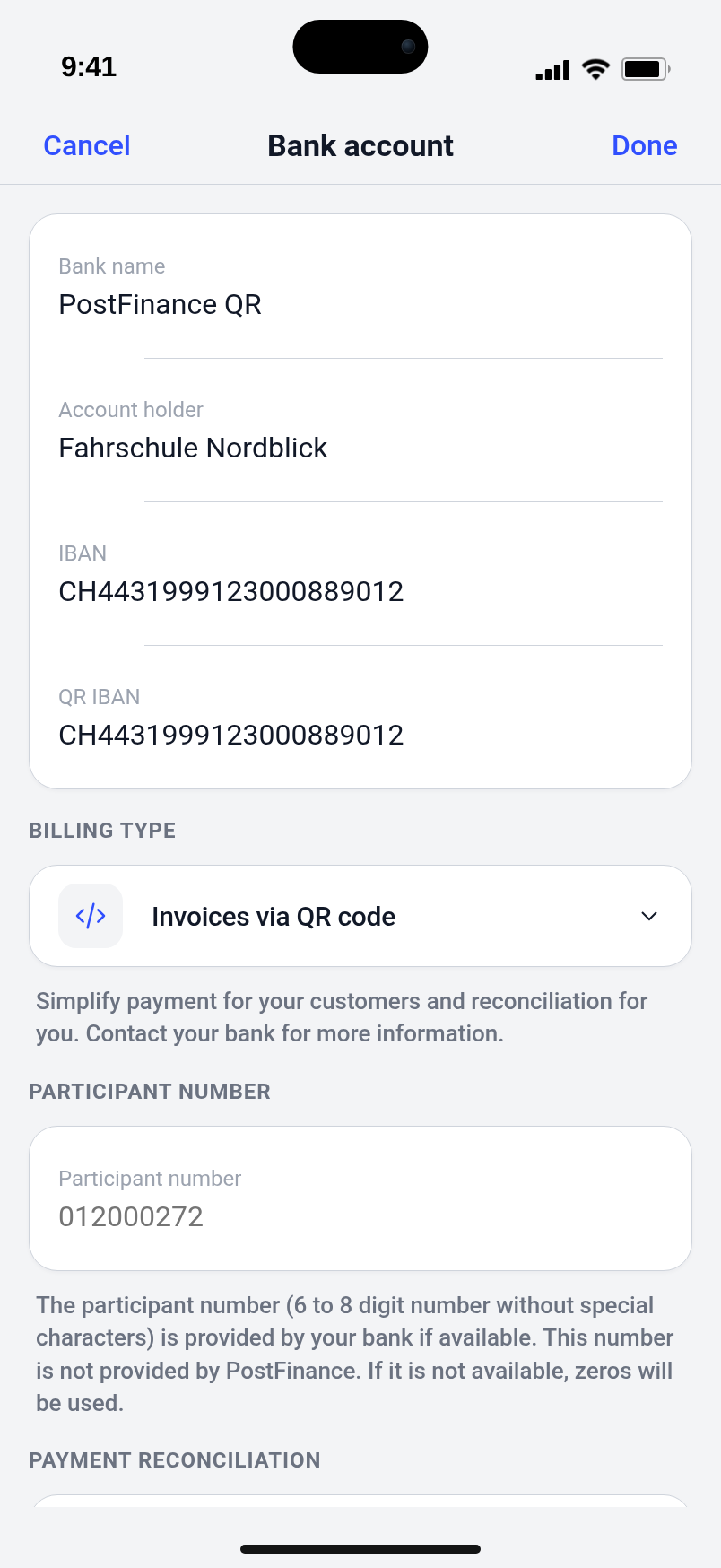
Set up Swiss QR / IBAN
Enter IBAN and QR-IBAN on the bank account so invoices are issued as Swiss QR bills.
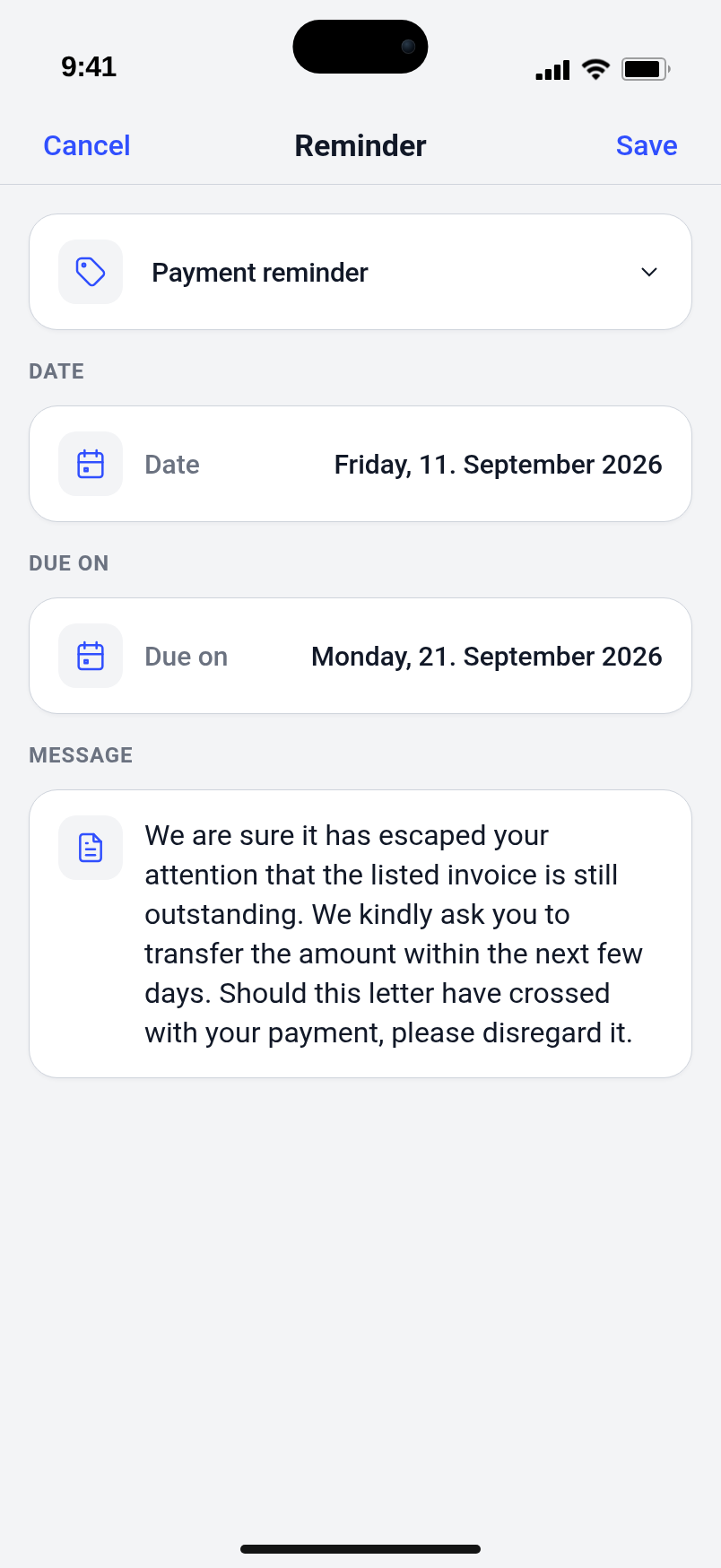
Payment reminder or dunning letter
Create and send a reminder or dunning letter from an open invoice.
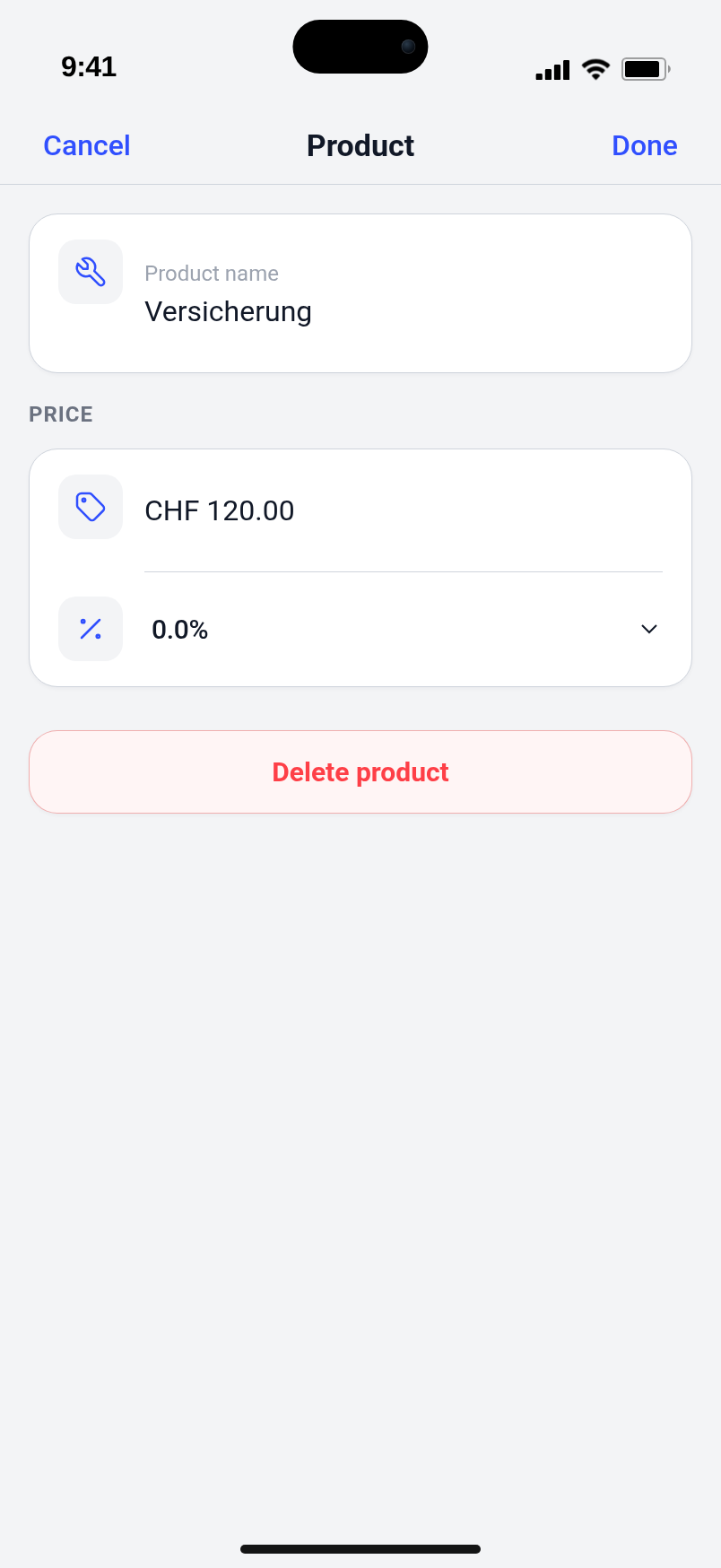
One-time fee or insurance
Create a product and add it as a line on the student’s next invoice.
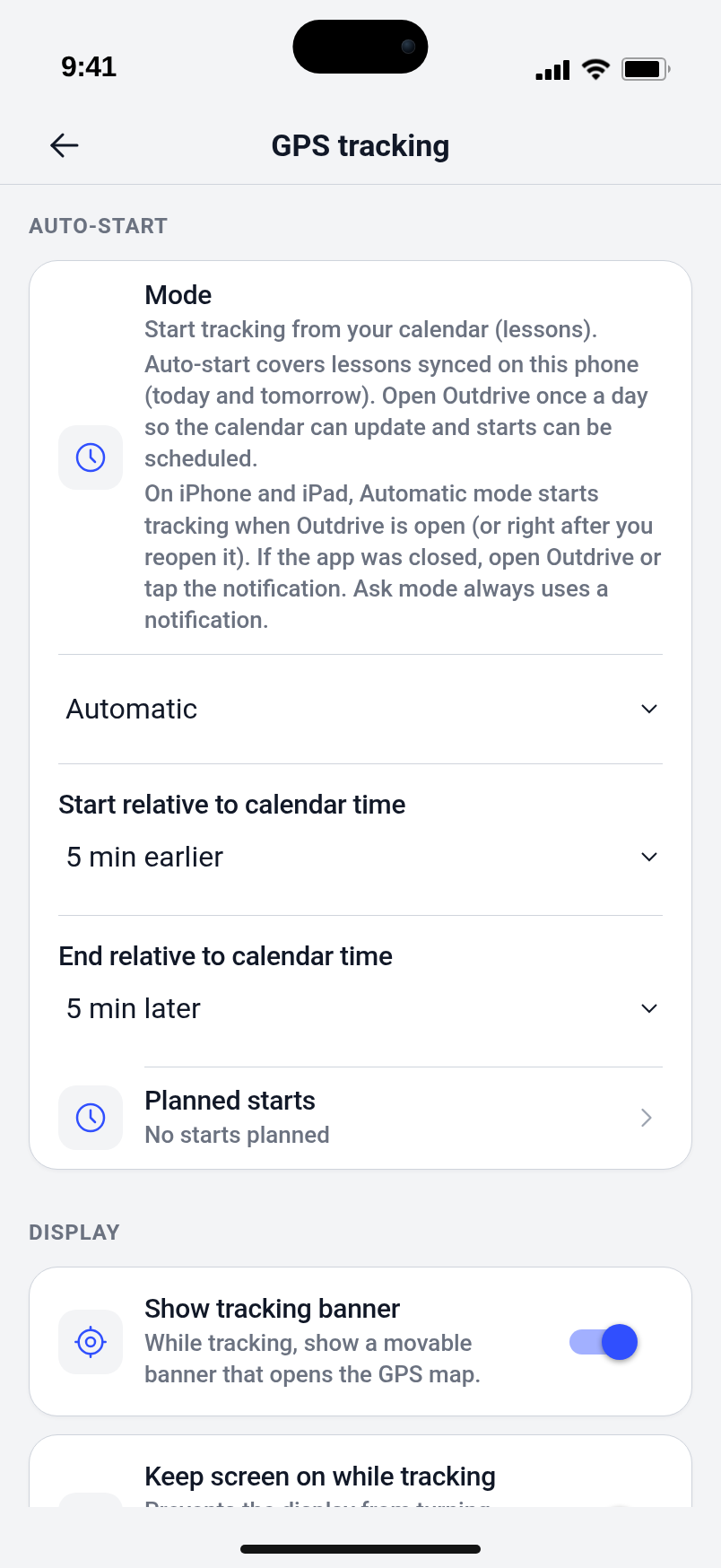
Start GPS tracking automatically
Set automatic start for synced lessons, including start and end offsets.
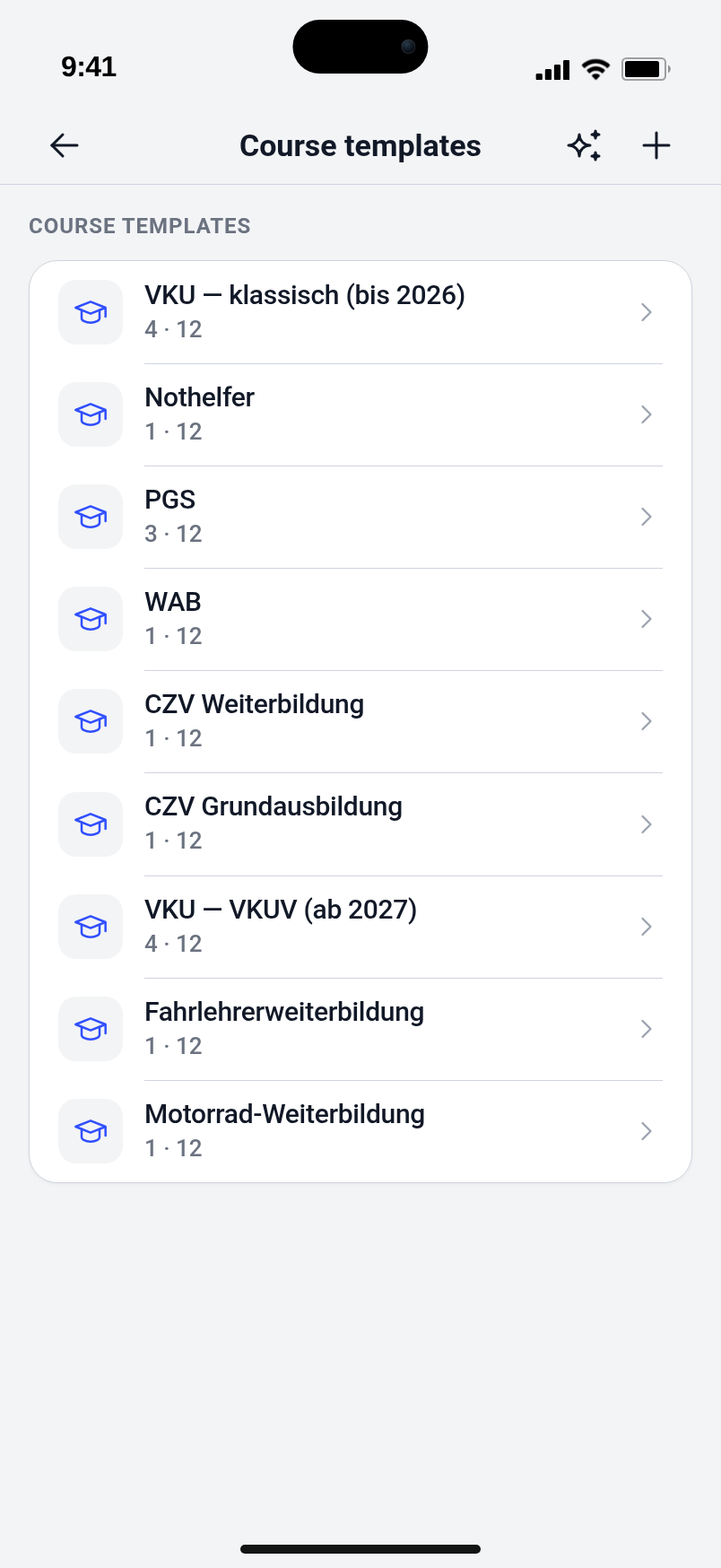
Create a course from a template
Click-by-click: template under Course templates, course in the calendar with «+», then enroll and attendance.
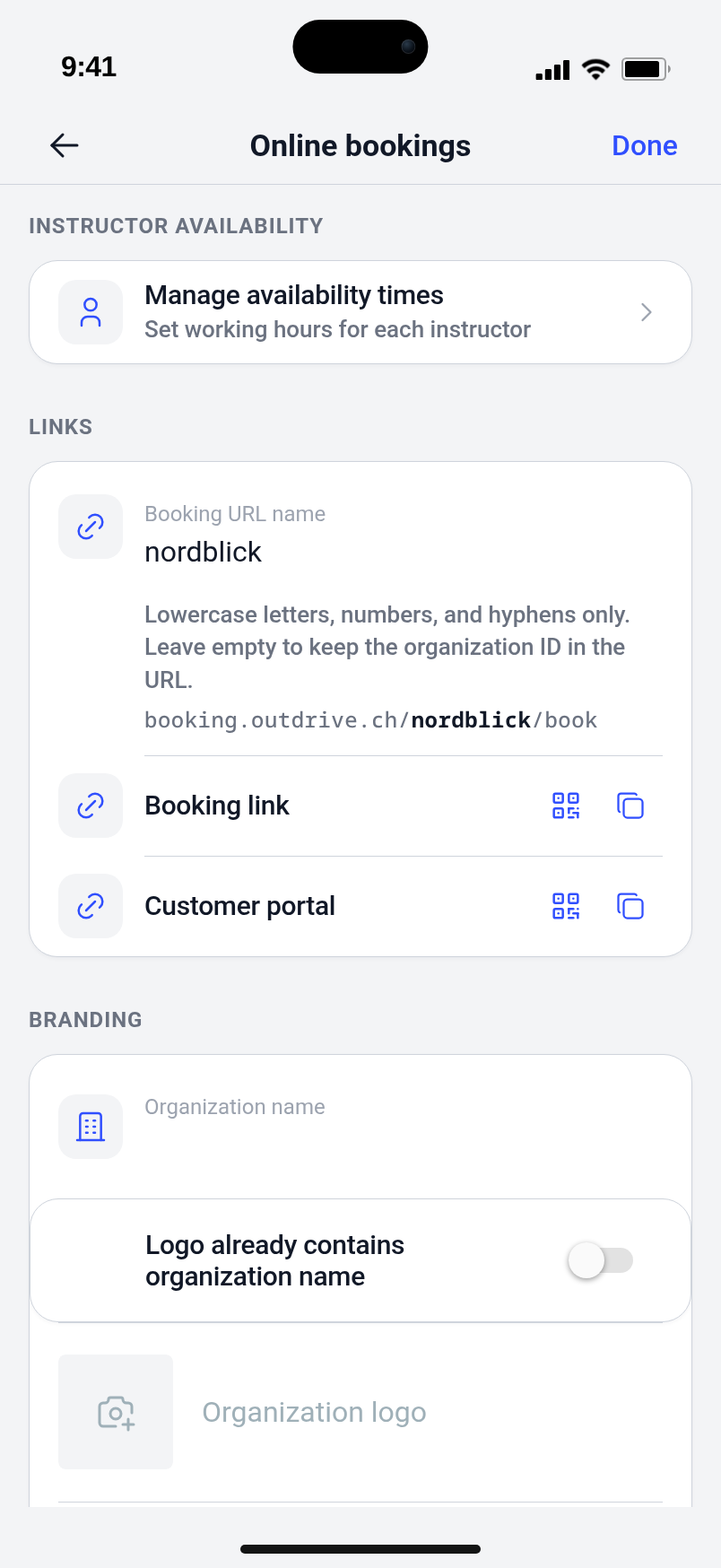
Online booking and availability
When appointments, calendars, and exceptions block bookable slots, and when they do not.